

Trial presentation support often faces last-minute challenges that disrupt courtroom flow and strain your focus. Missing key steps like deposition video synchronization or courtroom AV audits can lead to costly delays. This guide walks you through essential trial tech checklist items to handle before the first witness, so your team stays ahead. Schedule a free 30-minute Trial Tech Readiness Review with McCorkle to secure your trial date and gain peace of mind.
Preparing for Trial Presentation
Being ready for a trial requires more than just knowing your case; it involves making sure every technological aspect is in line. Here’s how you can ensure a seamless presentation.
Conducting a Courtroom AV Audit
Check your courtroom’s audio-visual setup before the trial to avoid hiccups. This includes testing microphones, projectors, and screens. You don’t want a malfunction to disrupt your argument. Ensure all cables are in working condition and that the sound is clear from every corner of the room. If possible, speak with courtroom staff to understand any unique AV features or limitations.
Managing Exhibit Pre-Marking and Naming
Properly labeled exhibits can save time and prevent confusion. Begin by pre-marking and naming each exhibit clearly, using tags or digital labels. Each label should include a brief description and a sequential number to keep things organized. This makes it easier for you, the judge, and the jury to follow along. Double-check that all exhibits are accessible and in the correct order.
Deposition Video Synchronization Tips
Video depositions are powerful tools when used correctly. Ensure each video is synced with its transcript for clarity. Tools like TrialDirector or OnCue can help with this process. Accurate synchronization allows for smooth playback during presentations, making it easier for the jury to follow along. Always review the videos in advance to catch any potential issues before court.
Ensuring Technological Readiness
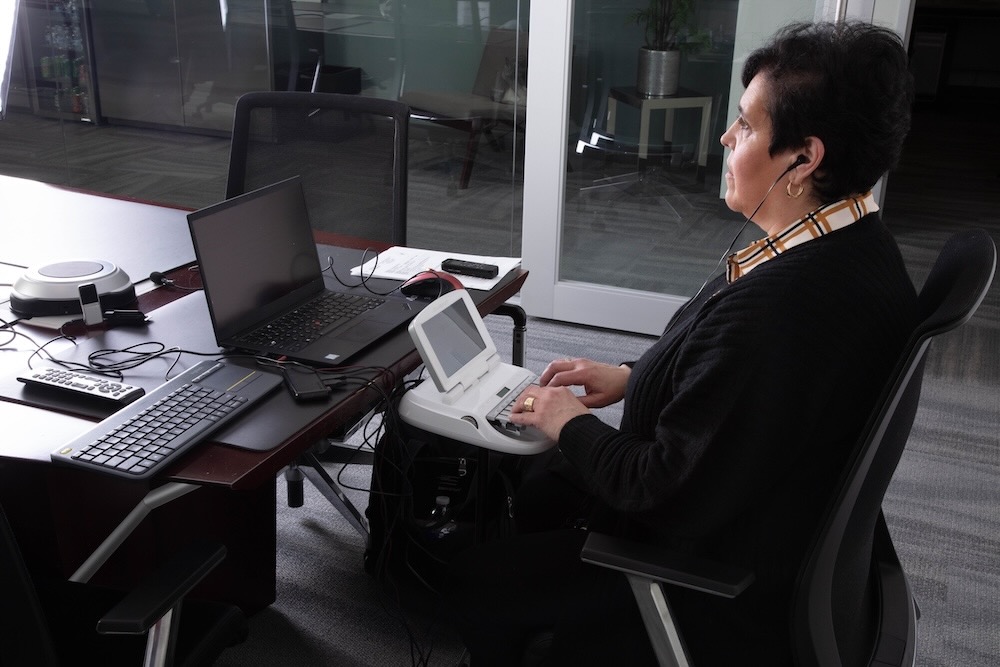
Once you’ve tackled the basics, focus on optimizing your tech setup. This involves ensuring compatibility and redundancy for every piece of equipment.
Format and Codec Testing Essentials
Test all digital files to ensure they play correctly on courtroom equipment. Use common formats like MP4 or AVI, and make sure codecs are up to date. This prevents playback issues that could interrupt your presentation. Consider running a trial presentation session to confirm compatibility across all devices.
Ensuring Trial Equipment Redundancy
Backup equipment can be a lifesaver if something fails. Bring spare cables, projectors, and laptops to avoid downtime. Test each backup item to ensure it’s ready for use. Having redundancy in place means you can quickly switch equipment and continue with minimal disruption.
Effective Use of Remote Witness Technology
With the rise of remote testimonies, ensure your software for virtual witnesses is reliable. Test internet connections and software platforms like Zoom or WebEx. Make sure remote participants have clear instructions and know how to use the technology. This helps maintain the witness’s credibility and keeps the proceedings uninterrupted.
Rehearsal and Coordination
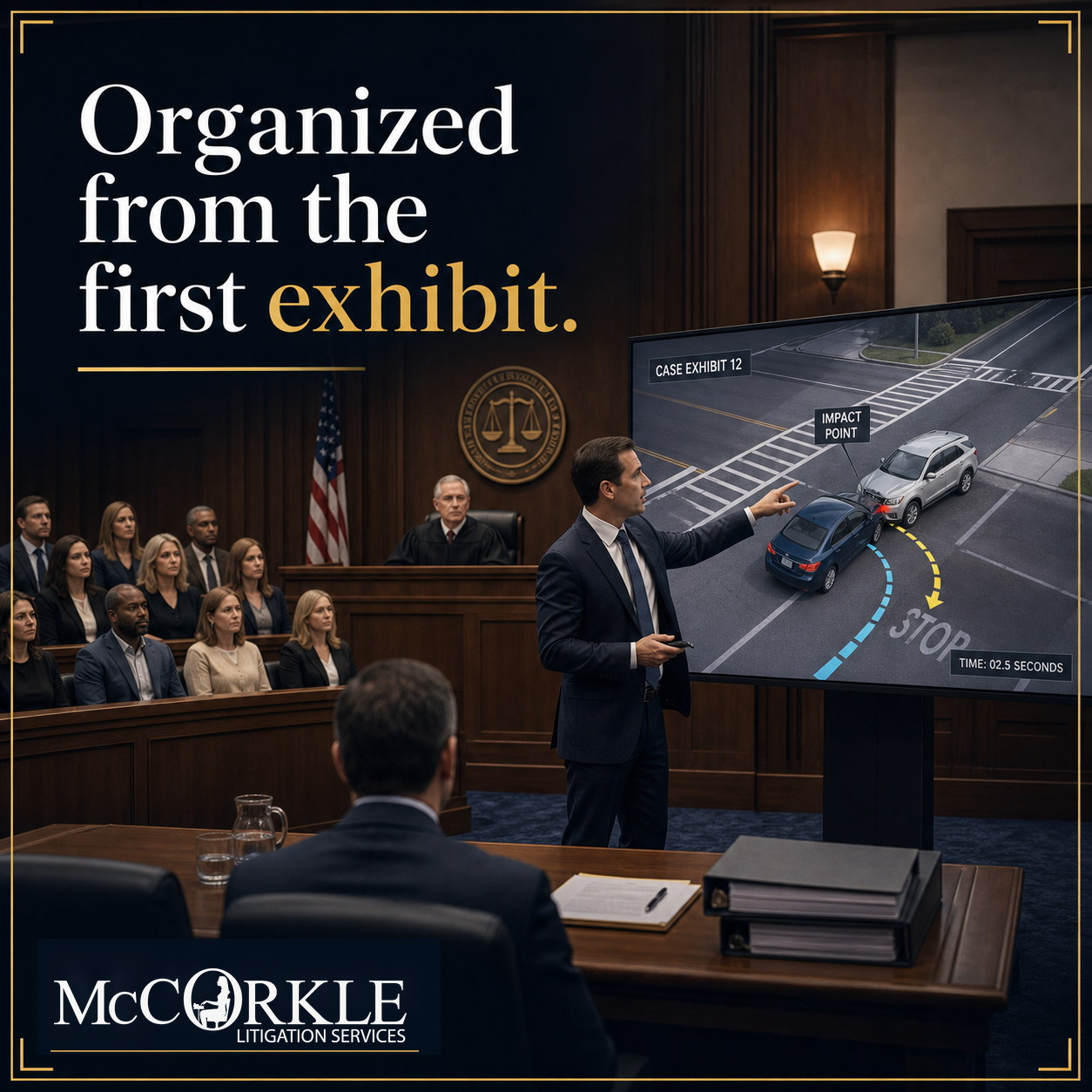
Finally, rehearsals and solid coordination are key to a smooth trial presentation. Ensure everyone knows their role and the technology involved.
Building and QA of Demonstrative Exhibits
Creating clear and impactful demonstratives can sway a jury. Build exhibits that are easy to understand, then run quality assurance checks. Test these in a mock trial setting to gauge how they’re perceived. Feedback can help you refine them for maximum impact.
Crafting a Trial Run-of-Show
Plan every detail of your trial presentation from start to finish. Create a run-of-show document outlining when and where each piece of evidence will be presented. This ensures everyone on your team knows the schedule and can prepare accordingly. A well-planned schedule prevents surprises and keeps the trial running smoothly.
Engaging with Hot-Seat Operators and Clerks
Coordination with hot-seat operators and clerks is crucial. Brief them on your presentation needs and ensure they’re comfortable with the technology. Their role in managing the flow of information is vital, so maintain clear communication to address any issues quickly.
Frequently Asked Questions
What is a courtroom AV audit?
A courtroom AV audit involves testing all audio-visual equipment to ensure it works correctly. This helps prevent technical issues during a trial.
How can I synchronize deposition videos?
You can synchronize deposition videos using tools like TrialDirector or OnCue. Ensure the transcript matches the video for seamless playback.
Why is equipment redundancy important in trials?
Equipment redundancy ensures you have backup devices ready in case of failure, minimizing downtime and maintaining the flow of your presentation.
How do I prepare for remote witness testimonies?
Test your internet connection and the platform you’ll use for remote testimonies, like Zoom. Ensure all participants know how to use the technology.
What is a trial run-of-show?
It’s a detailed plan of your trial presentation, outlining when and how each piece of evidence will be presented for smooth execution.